Build Your Website with Claude and GitHub, Not WordPress
A small business or non-profit can stand up a real, professional website for the price of a domain name. No hosting bill, no page builder, no monthly plan. Here is the exact workflow.
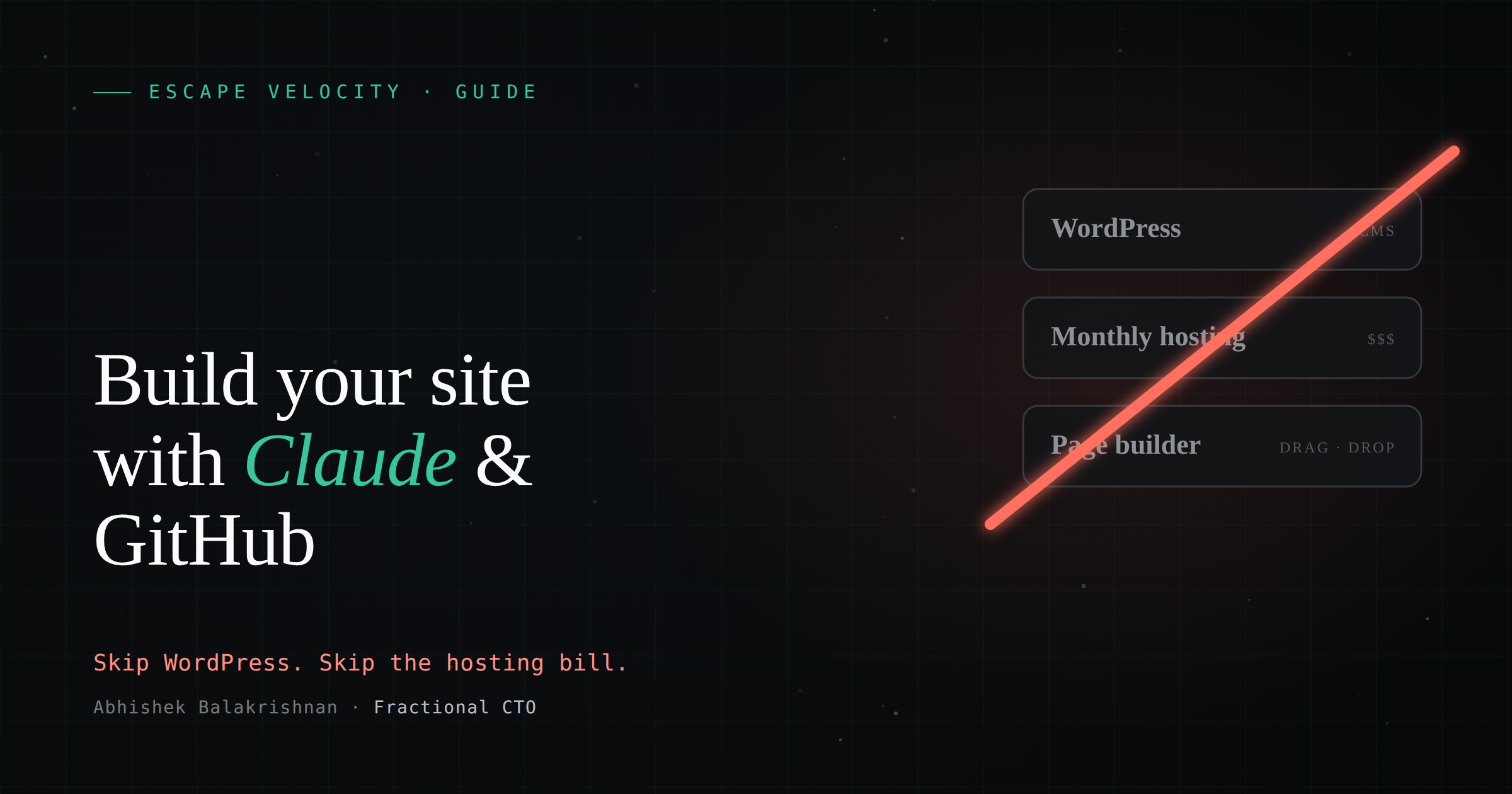
Most small businesses and non-profits still stand up their website the old way: sign up for WordPress, buy a hosting plan from Bluehost or GoDaddy, wrestle with a page builder, and then pay for it every single month for as long as the site exists. It works, but you are renting the whole time, and the bill never stops.
There is a better path now. With Claude and GitHub Pages, the only thing you actually pay for is the domain name. The hosting is free, the tooling is free, and instead of clicking around a page builder, you describe what you want and it gets built. This is exactly how I built the site you are reading right now.
Here is how it works, and what you need to do it yourself.
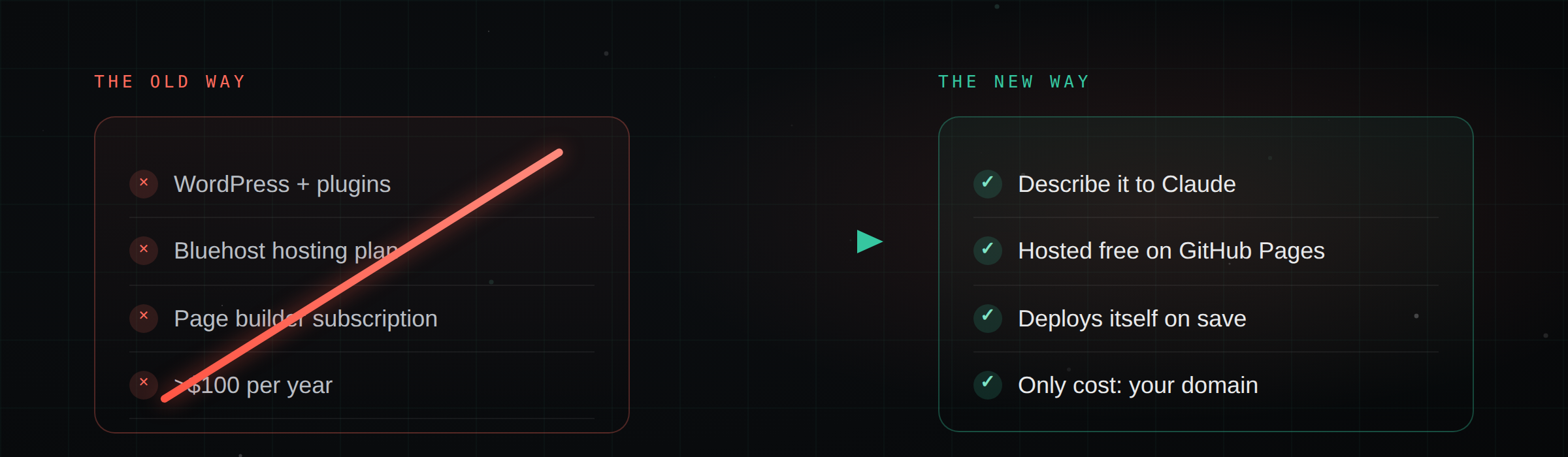
The old stack, and what it costs
Before I get to the new workflow, it helps to see what you are leaving behind.
- A domain, bought and renewed every year. This part you still need. Fair enough, a domain is your address on the internet.
- Hosting, forever. A typical shared hosting plan runs a few dollars a month on the teaser rate and then jumps at renewal. Over five years you can easily spend $300 to $500 on hosting alone, for a site that mostly sits still.
- Your time inside a page builder. WordPress themes, plugins, drag-and-drop editors. Every change means logging in, hunting for the right panel, and hoping the update does not break the layout. That time is a cost too, and it never really ends.
The domain is the only line item worth paying for. The rest we can replace.
What you need
You can get started with very little.
- A business email. Use whatever you already have for the organization. You will use it to sign up for the accounts below.
- A domain. Buy one from GoDaddy, Squarespace Domains, Namecheap, or any registrar you like. This is the one thing you pay for, and it is usually $10 to $20 a year.
- A GitHub account. Free. This is where your site lives and where it gets hosted from.
- Claude, or another capable AI coding assistant. You do not necessarily need a paid plan to start. Claude and Codex both work here. Everything below uses Claude, but the flow is the same with any of them.
That is the whole list. No hosting account, no page builder subscription.
The workflow
This is the part that replaces the page builder. You are going to talk to Claude, and Claude is going to write and deploy the site for you.
- Connect GitHub to Claude. Authenticate your GitHub account with Claude through the GitHub marketplace plugin. This is a one-time setup that lets Claude read and write to your repositories on your behalf. For simplicity, from here on I will just say Claude.
- Create the repository. Make a new GitHub repository named
<your-account-name>.github.io. The name matters, because GitHub Pages treats a repo named exactly this way as your primary site. Then start a working session with Claude pointed at that repo. - Feed it your inputs. Give Claude the raw material: your logo, any brand colors or fonts, the text you want on each page, and a link to your current site if you have one so it can match the tone or improve on it. The more context you give up front, the closer the first draft lands.
- Set the boundaries. Tell Claude what you actually want. How many pages, what each one is for, and what it should not do. For example, “one homepage, an about page, a services page, and a contact page, nothing more for now.” Clear limits keep the first version focused instead of sprawling.
- Iterate, do not one-shot it. Resist the urge to ask for the entire site in a single prompt. Start with the homepage. Have Claude build it, deploy it, and give you a preview link. Look at it, react to it, and refine. Then move to the next page. Building it piece by piece gives you a site you actually understand and can steer, instead of a black box.
- Let it check its own work. Before anything goes live, have Claude render the page and sanity-check it, catching broken links, layout issues, and typos, before it merges the change into your main branch. A quick self-review round saves you from publishing something half-finished.
- Turn on GitHub Pages. In the repository settings, enable GitHub Pages and point it at your
mainbranch. Within a minute or two your site is live at<your-account-name>.github.io. This is the free hosting, and there is no bill attached to it. - Connect your domain. Add your custom domain in the Pages settings, then add a matching record at your registrar so the domain points to GitHub. GitHub issues a free HTTPS certificate automatically, so your site loads securely on your own name. If you get stuck on the DNS part, Claude can walk you through the exact records for your registrar.
- Edit forever with a single prompt. From now on, every change is a sentence. “Add a testimonial to the homepage.” “Update the phone number on the contact page.” Claude makes the edit, and because it is wired into GitHub, the change deploys itself. No logging into a builder, no plugin updates.
- Run the old and new side by side. Keep your existing site up until you are happy with the new one. Compare them, share the preview with a colleague, and only retire the old site once the new one is doing everything you need.
That is the whole loop. Most of the work is deciding what you want to say, which was always the hard part anyway.
Picture this. You are sitting at a coffee shop with a colleague and just your phone, and the two of you decide to greenlight a new event announcement, a fresh blog post, or a new team bio for your About page. A single prompt to Claude kicks off the entire workflow, and a few minutes later your website is updated and deployed.
A few caveats
None of these are blockers, but they are worth knowing going in.
- Collaboration is easy. If someone else in your organization needs to help edit the site, add them as a collaborator on the GitHub repository. They get the same one-prompt workflow you do.
- One primary domain per account, but subdomains are free. A GitHub account gets one
<account-name>.github.ioprimary site. If you want to host something separate, likeblog.yourname.comordocs.yourname.com, you can point a subdomain at a different repository. You do not need to buy anything extra for a subdomain. - Run a security scan. Because your code lives on GitHub, you can turn on GitHub’s built-in security scanning to flag exposed secrets or vulnerable dependencies. Ask Claude to run a scan and clean up anything it finds before you go live. It takes a few minutes and it is worth doing.
- Contact forms and social links are simple to add. A working contact form and links out to your social profiles are straightforward with this setup. I will cover exactly how in a follow-up post, since it deserves its own walkthrough.
Where to start
If you have been putting off a website because the hosting fees and the page builders felt like more trouble than they were worth, this removes both. You pay for a domain, you describe what you want, and the rest is free.
If you run a small business or a non-profit and want help getting this going, reach out. I am happy to point you in the right direction.